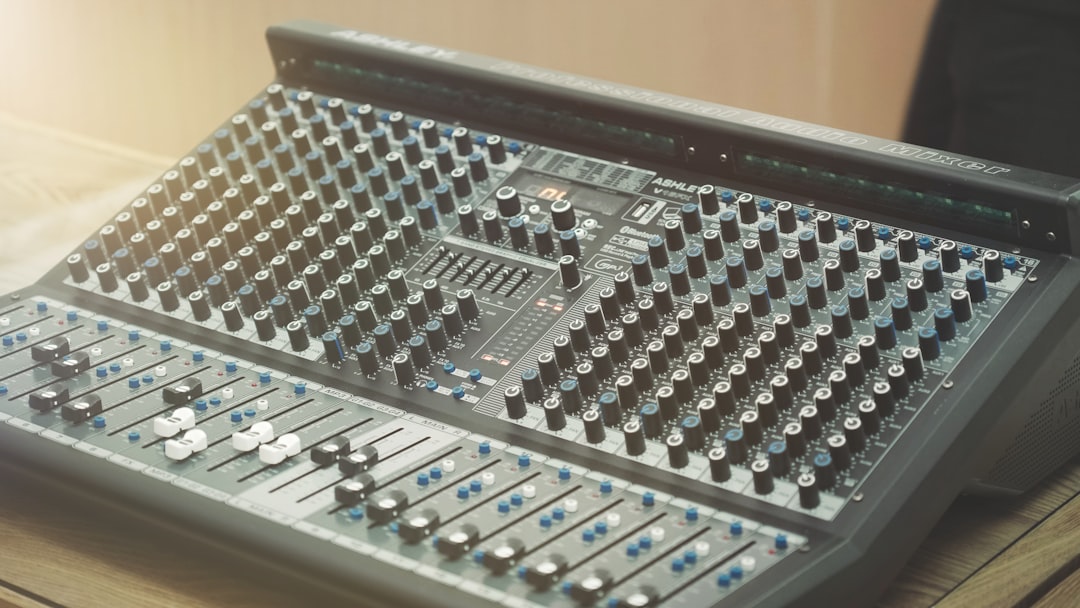
Live streaming has evolved from niche technology to essential communication tool for businesses, content creators, educators, and performers. Building a professional streaming setup requires understanding interconnected systems—cameras, audio, lighting, encoding, and software—that work together to deliver broadcast-quality experiences. This guide explores equipment and techniques for creating reliable, high-quality live streams.
Camera Selection for Live Streaming
Your camera fundamentally determines video quality and viewer experience. Webcams offer simplicity and low cost but typically deliver mediocre image quality with limited control. For professional results, consider dedicated cameras with clean HDMI output, allowing you to bypass internal compression and recording limitations.
Mirrorless and DSLR cameras provide excellent image quality with interchangeable lenses and manual controls. Models like the Sony A6400, Canon EOS M50 Mark II, and Panasonic GH5 offer clean HDMI output, autofocus performance, and image quality rivaling broadcast cameras at accessible prices. Verify that cameras support unlimited recording time, as many consumer models impose 30-minute limits.
Dedicated streaming cameras like the Panasonic HC-V180 or Canon VIXIA series prioritise ease of use and continuous operation over advanced features. PTZ cameras with remote pan, tilt, and zoom control suit multi-camera productions where operator access is limited.
Capture Cards and Video Interfaces
Converting camera HDMI signals into formats computers understand requires capture cards. The Elgato Cam Link 4K and Blackmagic Design ATEM Mini series represent popular choices, offering reliable performance and broad software compatibility.
Internal PCIe capture cards provide lower latency than USB alternatives but require desktop computers with available expansion slots. USB capture devices offer plug-and-play convenience suitable for laptops and compact setups. Ensure capture cards support your desired resolution and frame rate—1080p60 minimum for smooth motion, 4K if future-proofing matters.
Multi-camera productions benefit from video switchers like the ATEM Mini series, which accept multiple HDMI inputs and provide built-in mixing, transitions, and graphics overlays. These devices simplify complex productions whilst often including streaming encoders that bypass computer processing entirely.
Audio Systems for Clear Communication
Poor audio drives viewers away faster than modest video quality. Invest in proper microphones and audio interfaces even before upgrading cameras. Dynamic microphones like the Shure SM7B or Electro-Voice RE20 deliver broadcast-standard vocal quality whilst rejecting background noise.
Audio interfaces convert microphone signals into digital audio with low noise and adequate gain. The Focusrite Scarlett series and Universal Audio Volt interfaces provide clean preamps and reliable drivers. Ensure interfaces offer direct monitoring to prevent distracting latency when hearing yourself.
Separate audio and video processing prevents sync issues and allows independent quality adjustment. Route audio through dedicated interfaces rather than relying on camera or capture card audio inputs when possible.
Lighting for Professional Appearance
Proper lighting transforms amateur streams into professional broadcasts. Three-point lighting—key, fill, and back lights—creates dimensional, flattering illumination. LED panels with adjustable colour temperature and brightness offer flexibility for various environments and times of day.
Soft, diffused lighting generally appears most professional for talking-head streams. Large LED panels or softbox-equipped lights reduce harsh shadows whilst maintaining adequate brightness. Position your key light at 30-45 degrees from camera axis and slightly elevated for classic portrait lighting.
Background lighting separates you from the backdrop, adding depth and visual interest. Even simple RGB LED strips create colourful, dynamic backgrounds that enhance production value. Ensure backgrounds aren't distractingly bright or cluttered with unintended objects.
Encoding Software and Settings
Streaming software encodes video and audio into formats suitable for internet transmission. OBS Studio dominates as the free, open-source standard, offering powerful features and extensive customisation. Streamlabs OBS provides similar capabilities with integrated alerts and overlays. XSplit represents a paid alternative with polished interface and commercial support.
Encoding settings balance quality and bandwidth. For 1080p60 streams, target 6000-8000 kbps video bitrate using the x264 encoder at the veryfast preset. Hardware encoders like NVIDIA NVENC or AMD VCE reduce CPU load but may show quality differences at lower bitrates. Audio should use 160-192 kbps AAC encoding.
Resolution and frame rate depend on content and platform. Gaming and high-motion content benefits from 60fps, whilst talking-head streams work well at 30fps. Downscaling from 4K cameras to 1080p output improves image sharpness through supersampling.
Internet Connection and Reliability
Stable internet connectivity matters more than raw speed. Wired Ethernet connections provide consistency impossible with wireless networks. Ensure upload speed substantially exceeds your streaming bitrate—at least double is recommended for reliability. An 8000 kbps stream requires 16 Mbps minimum upload speed.
Test connections during expected streaming times to identify congestion issues. Quality of Service settings on routers can prioritise streaming traffic over other household internet use. Consider backup internet connections through mobile hotspots for critical broadcasts.
Stream to platforms via RTMP with backup streams to services like Restream.io, which simultaneously broadcasts to multiple platforms and provides redundancy if primary connections fail.
Scene Design and Graphics
Professional streams incorporate branded graphics, lower thirds, and scene transitions. Design consistent visual themes that reinforce brand identity without distracting from content. Stream overlays should enhance rather than dominate the viewing experience.
Create multiple scenes for different content types—full-screen camera, screen share, picture-in-picture, and intermission screens. Smooth transitions between scenes maintain professional appearance. Hot keys allow quick scene switching during live broadcasts.
Tools like Canva or Adobe Creative Suite help design graphics templates. Export static images as PNG files with transparency for flexible positioning over video sources. Animated stinger transitions add polish when used sparingly.
Monitoring and Quality Assurance
Monitor your stream output separate from production view to catch issues viewers experience. Secondary displays showing platform chat and stream preview help manage audience interaction whilst maintaining awareness of technical quality.
Audio monitoring through headphones prevents echo and allows immediate detection of problems. Visual waveform displays identify clipping and ensure consistent levels throughout broadcasts. Stream health indicators in software warn of dropped frames or connection issues.
Record all streams locally as backup and for repurposing content. Local recordings at higher quality than stream output provide material for highlights and edited versions.
Scalability and Growth
Start with equipment matching current needs whilst allowing reasonable expansion. A single-camera setup with quality microphone serves many creators excellently. Add cameras, lighting, and production complexity as requirements and budgets grow.
Modular approach to building streaming setups prevents costly equipment replacement as needs evolve. USB devices offer flexibility to reconfigure systems, whilst professional XLR audio and SDI video provide upgrade paths without obsoleting existing gear.
Conclusion
Professional live streaming combines technical knowledge with creative execution. Quality cameras, clean audio, proper lighting, and reliable encoding create viewer experiences that build and retain audiences. Start with solid fundamentals—good microphone, adequate lighting, stable internet—before adding complexity. Practice broadcasts to multiple platforms simultaneously, engage with viewer feedback, and refine your setup iteratively. The investment in proper equipment and technique pays dividends through increased engagement and professional credibility.